
In order to test us on a theme without enabling us on the live site please follow these steps:
1. Install Fast Simon for Shopify:
Open https://apps.shopify.com/
2. Suspend Fast Simon AutoComplete:
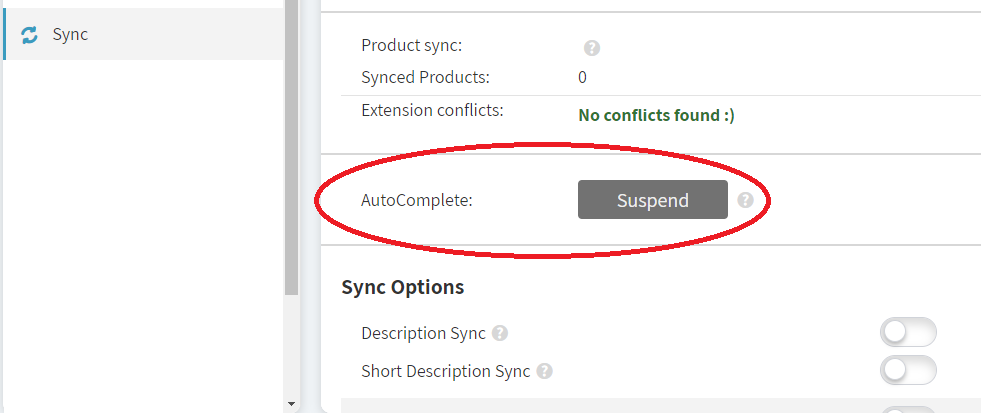
Open Fast Simon Dashboard and select the Sync tab > Click on Autocomplete: Suspend button.
3. Suspend Fast Simon Search Results Page:
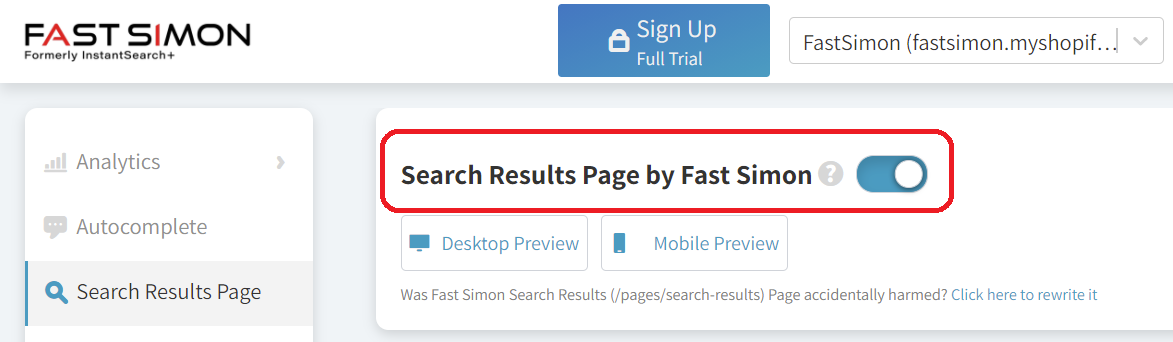
Open Fast Simon Dashboard > Search Results tab > Click at the top on the toggle for Search Results Page by Fast Simon.
4. Draft theme: In your Shopify Admin, create a theme for testing our app. Open Fast Simon Dashboard > Sync tab > Miscellaneous sections and copy the snippet of your store to your test theme.liquid file after <body>